Financial

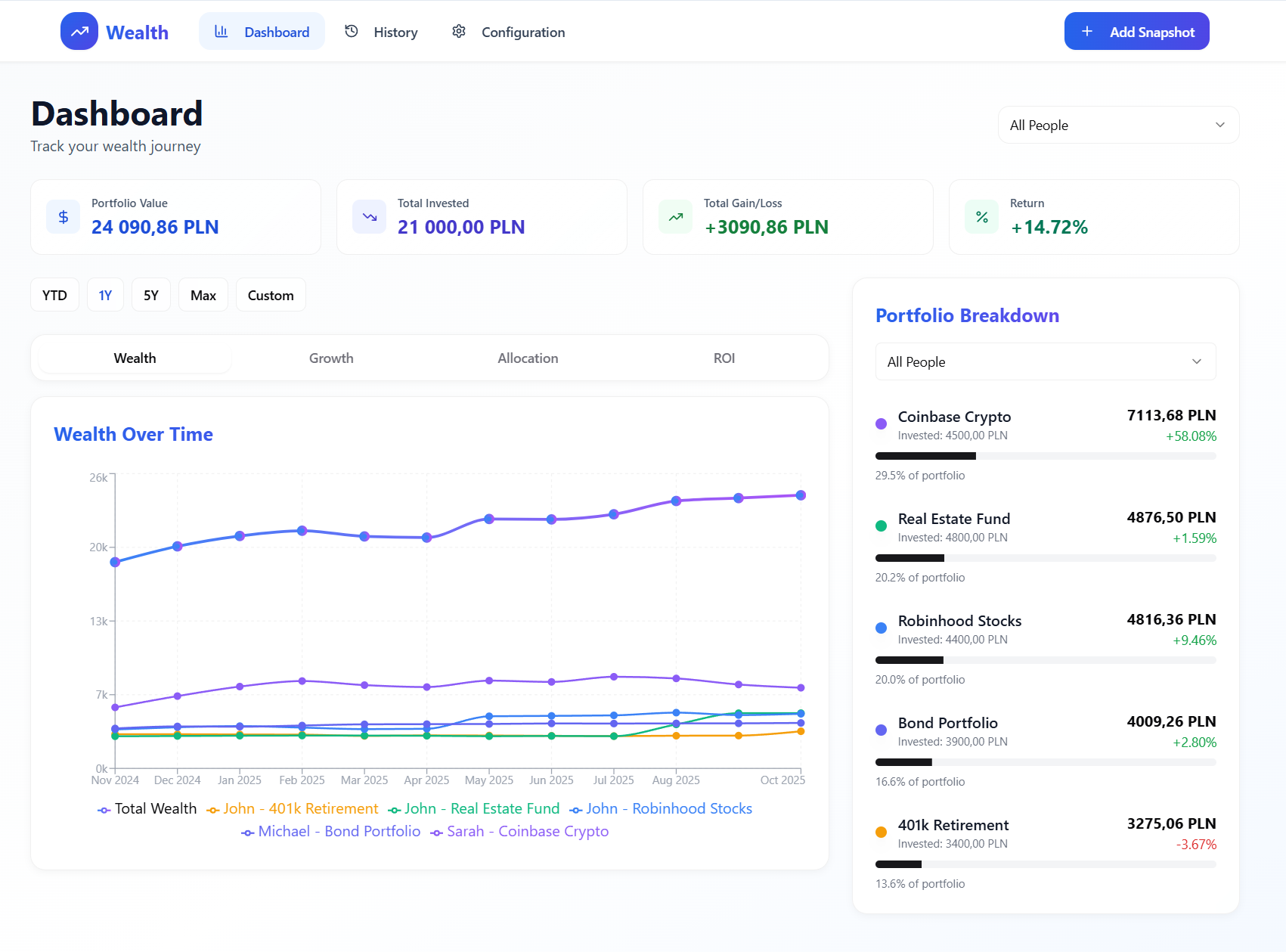
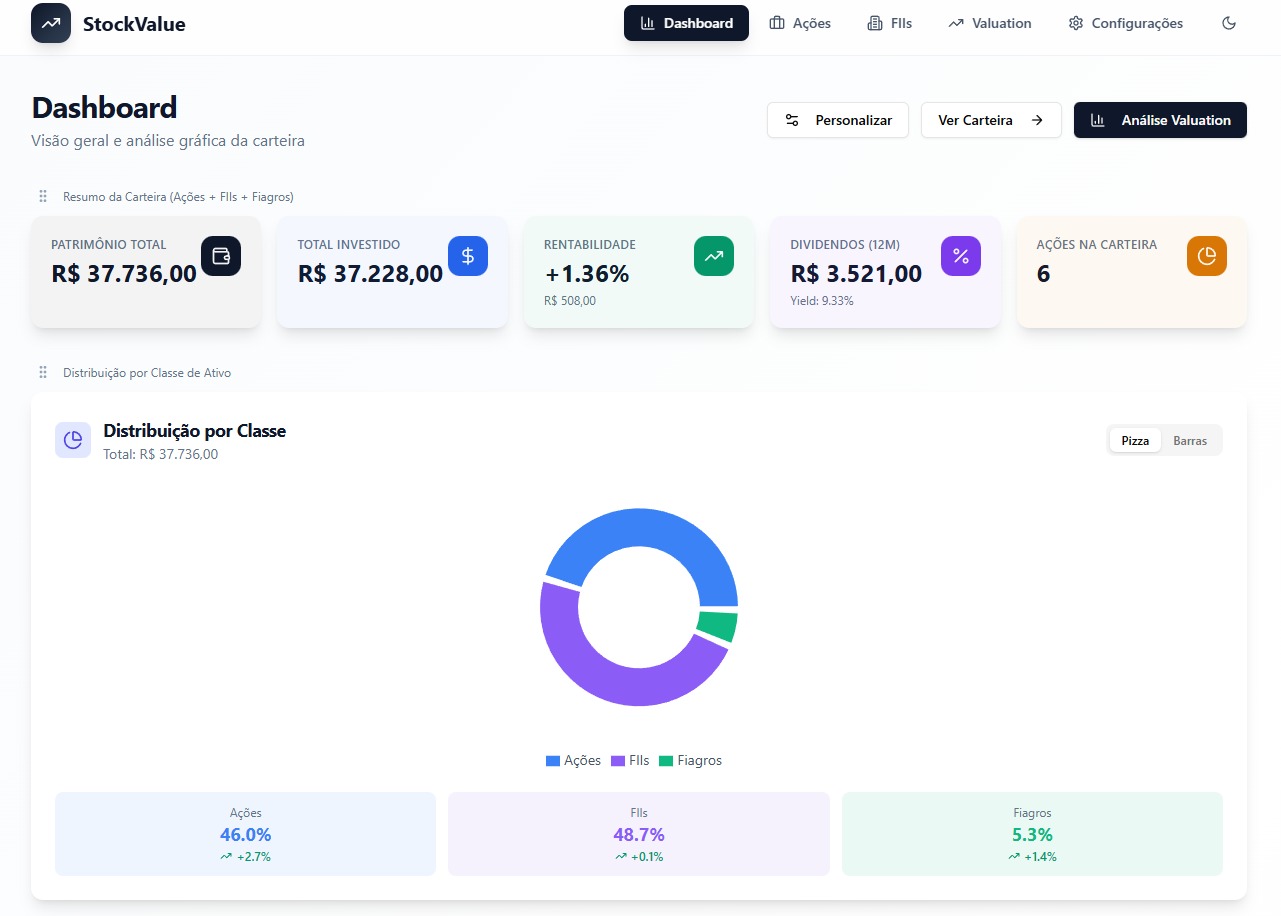
Build secure and reliable financial apps with these customizable templates. Use them to manage your personal budget with clarity or as a professional starting point for a new fintech tool for your clients.

小狸柴 template preview

小狸柴

Free

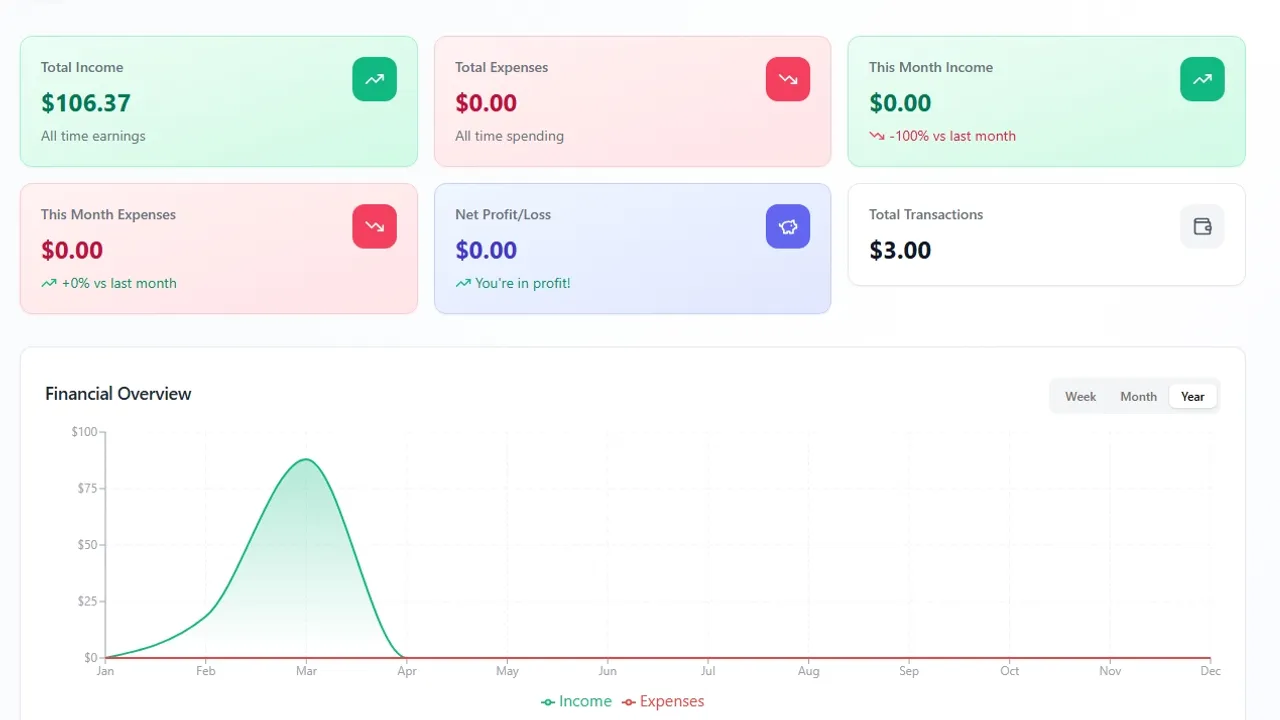
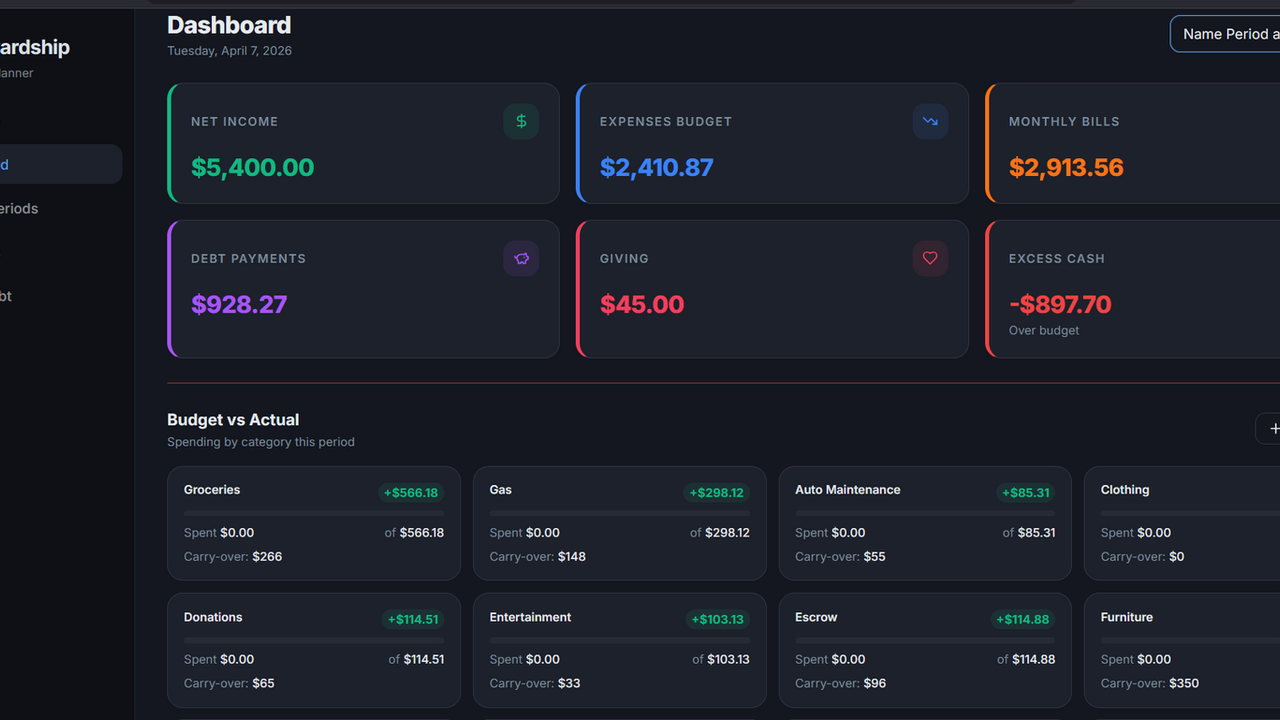
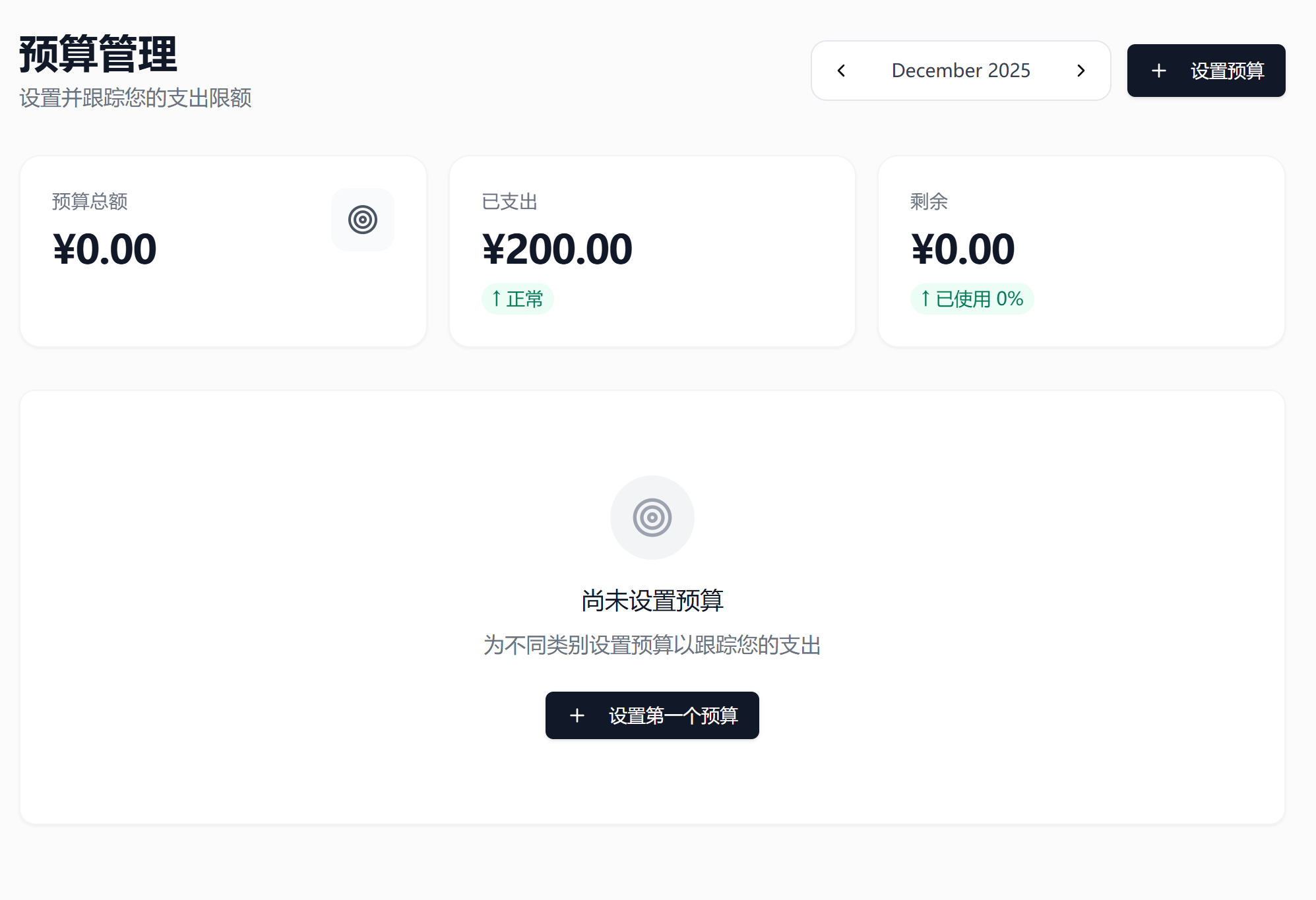
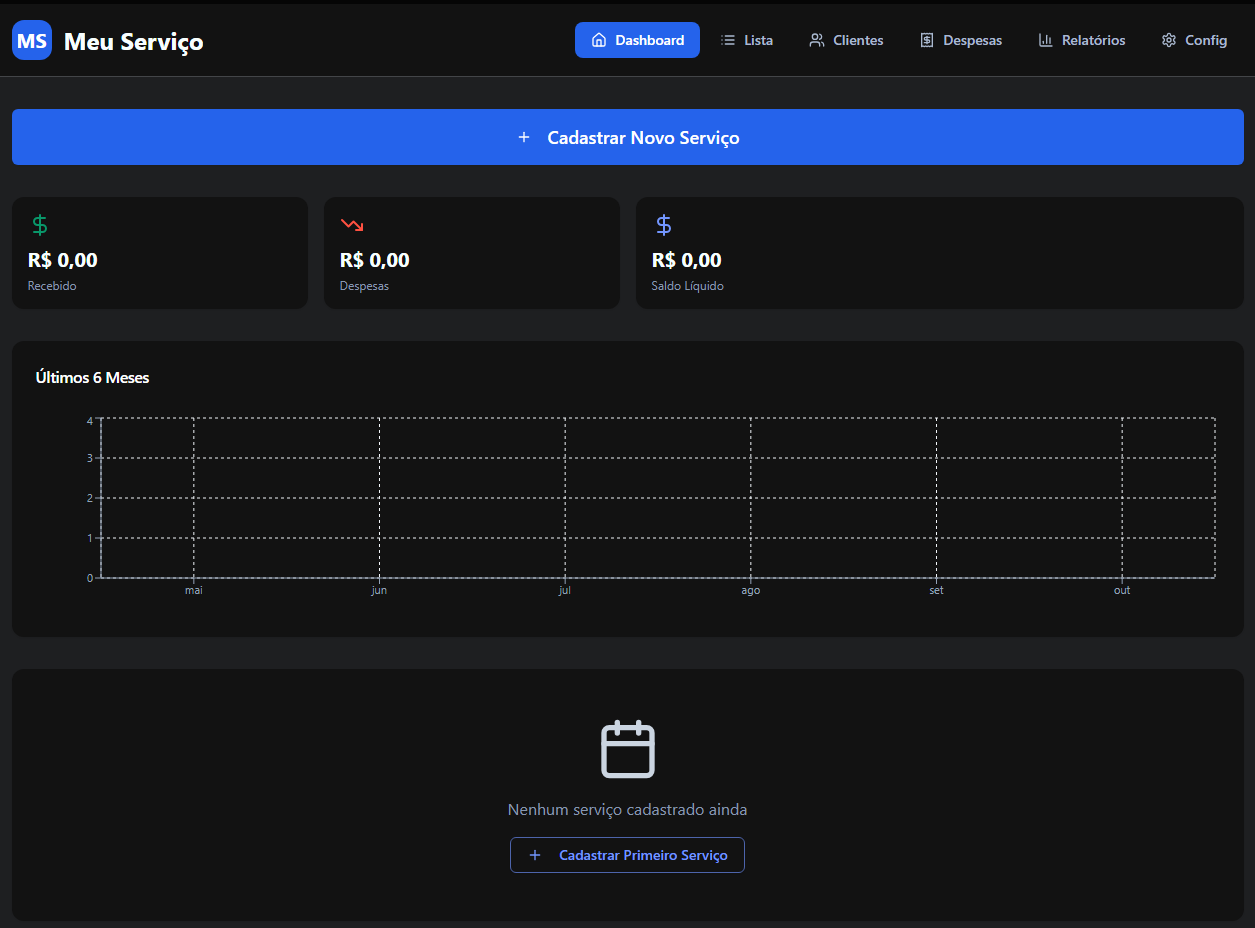
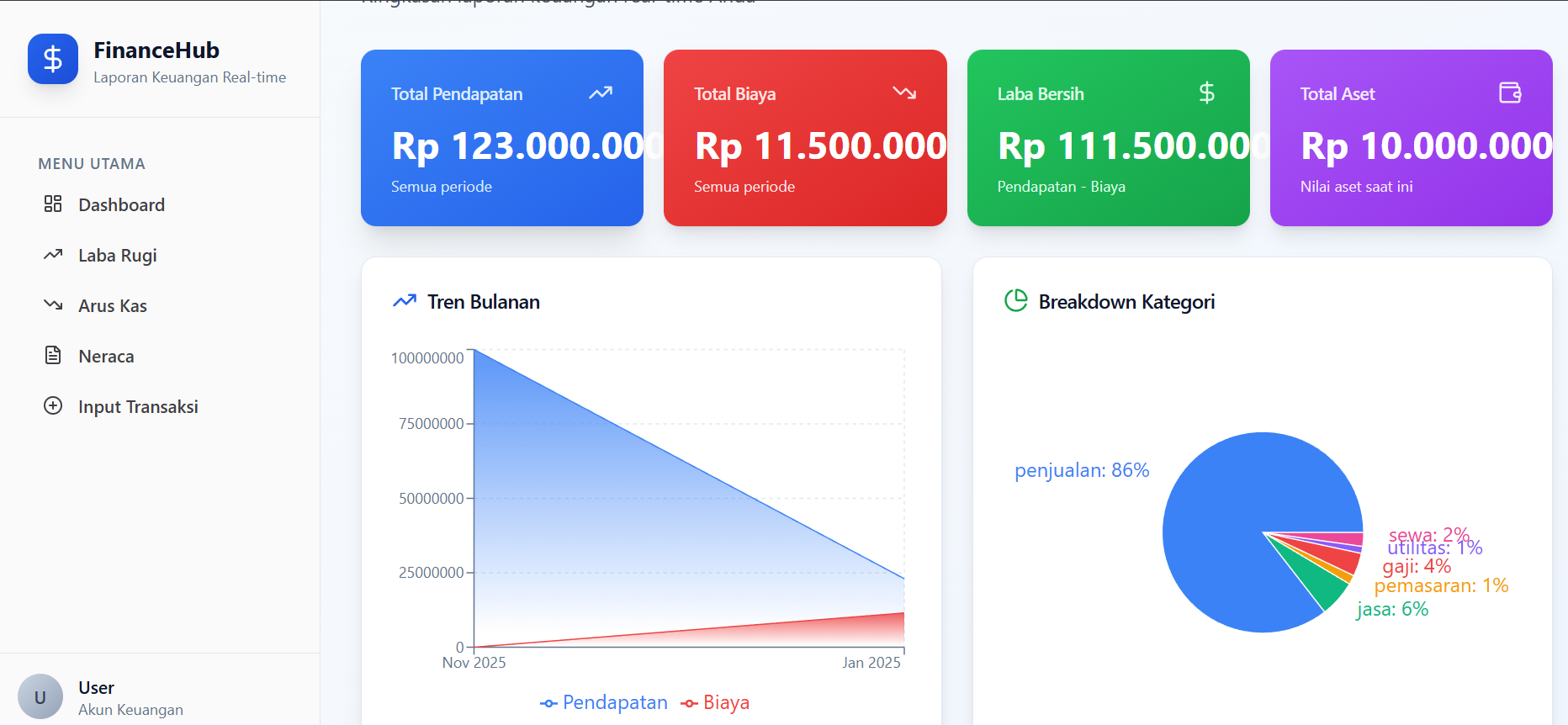
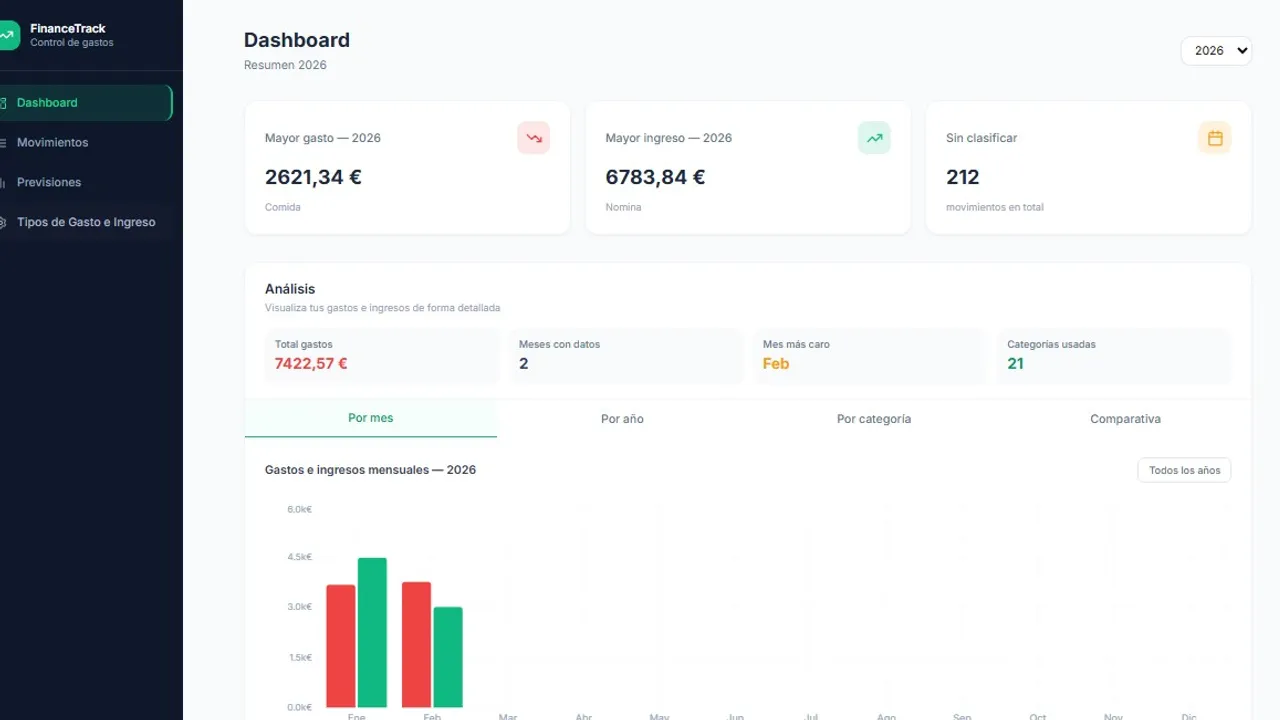
Personal Finance Management Education App, which includes the following features: This app is suitable for individuals or families, helping users track their financial status, control expenses, and achieve savings goals. It features a user-friendly interface, comprehensive functionality, and clear data visualization. Dashboard: Displays a financial overview, including statistical cards for income, expenses, balance, savings rate, as well as income and expense charts and recent transaction records. Transaction Records: Allows adding, editing, and deleting transaction records, supports searching by type, category, or keywords, and enables exporting data to CSV. Budget Management: Enables setting monthly budgets, allocating budget amounts by category, and tracking actual expenses against the budget. Financial Reports: Generates monthly or annual financial reports, including income and expense breakdowns, trend analysis, and allows exporting reports. Income Categories: Salary, Freelancing, Investments, Gifts, Other Income Expense Categories: Dining, Transportation, Entertainment, Shopping, Utilities, Medical, Education, Travel, Housing, Other --- 个人财务管理实践应用,它包含以下功能: 這個應用程序適合個人或家庭使用,幫助用戶追蹤財務狀況、控制支出、實現儲蓄目標。界面友好,功能全面,數據可視化清晰。 仪表板:展示财务概览,包括收入、支出、余额、储蓄率等统计卡片,以及收入支出图表和最近交易记录。 交易记录:可以添加、编辑、删除交易记录,支持按类型、类别、关键词搜索,并可以导出CSV。 预算管理:可以设置每个月的预算,按类别设置预算金额,并跟踪实际支出与预算的对比。 财务报告:生成月度或年度的财务报告,包括收入支出构成、趋势分析等,并可以导出报告。 收入類別 工資、自由職業、投資、禮金、其他收入 支出類別 餐飲、交通、娛樂、購物、水電費、醫療、教育、旅行、住房、其他

Kia ian Leong13 clones

Finance · Data & Analytics +2
BillSnap template preview

BillSnap

Free

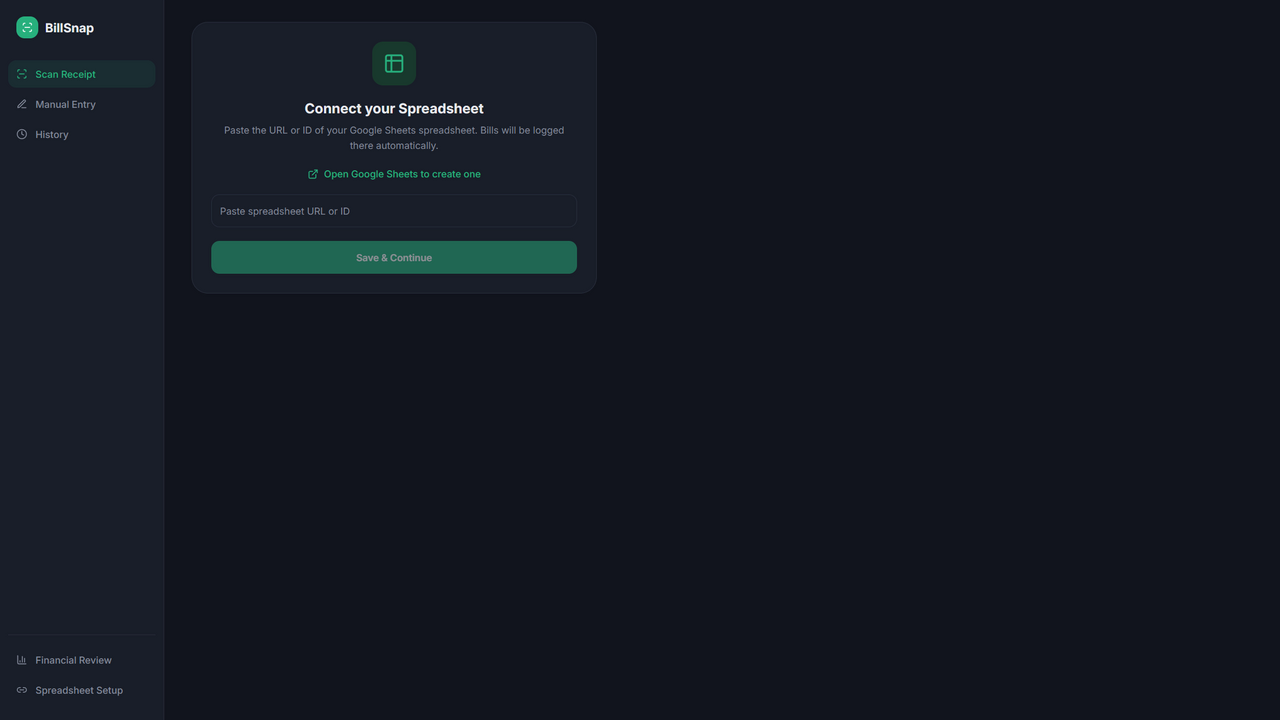
Effortlessly track your supermarket spending by snapping a photo of your receipt. BillSnap automatically extracts key details and organizes your purchases into spending categories for seamless logging directly to your Google Sheets. 📸 Scan Bills with AI Use your device camera to photograph a grocery bill or upload an existing image from your device. The app then analyzes the bill and extracts the relevant information for tracking. ✍️Quickly Add Bills Manually Dont want to use a scan? The Manual section lets you enter your bill details yourself without using AI integration credits. Date The date is automatically set to today, but you can easily select a different date using the built-in calendar. Supermarket Presets Save commonly visited supermarkets as presets and add them with a single tap instead of typing the name every time. Bill Total Enter the total amount of your grocery bill. Customizable Category Breakdown Split your bill across seven customizable spending categories. Rename and configure the categories according to your own needs. The app also includes several features to make manual entry faster: Built-in Calculator: Calculate the total cost of products within a category and insert the result directly into the category field. Automatic Balance Allocation: If you have entered some category amounts but still have a remaining balance, simply tap a categorys emoji icon to assign the remaining amount to that category. Total Validation: A warning appears whenever the category breakdown does not equal the total bill amount, helping prevent accidental data-entry errors. 🧾 30-Day Bill History View an easy-to-read record of grocery bills added through both scanning and manual entry. The History section provides a convenient overview of your bills from the last 30 days. 📊 Financial Reviews Analyze your grocery spending over multiple time periods with 1-month, 6-month, and 12-month financial reviews. Each review can include: Total number of grocery purchases The category that consumed the largest share of your budget Spending trends shown through bar charts Category Breakdown shown through a pie chart Categories ranked from most expensive to least expensive Percentage of total spending represented by each category Comparison with the equivalent previous period Top Supermarket, based on the supermarket where you spent the most money, provided it has been visited more than once The spending trend charts adapt to the selected review period: 1-month review: Weekly spending 6-month and 12-month reviews: Monthly spending 🔐 Your Spending Data Stays in Your Spreadsheet The BillSnap financial review system reads and consolidates your grocery spending data directly from your connected Google Spreadsheet. Grocery spending data is not stored in the apps own database, giving you greater ownership and visibility over your financial records. ✅Built for Simple, Fast Grocery Tracking Whether you prefer AI-powered bill scanning or fast manual entry, Grocery Bill Tracker gives you the tools to record purchases efficiently, organize spending, and understand where your grocery budget is going.

Legend 310812 clones

Finance · Operations +1

So, what are we building?

Start building