LocalTradr
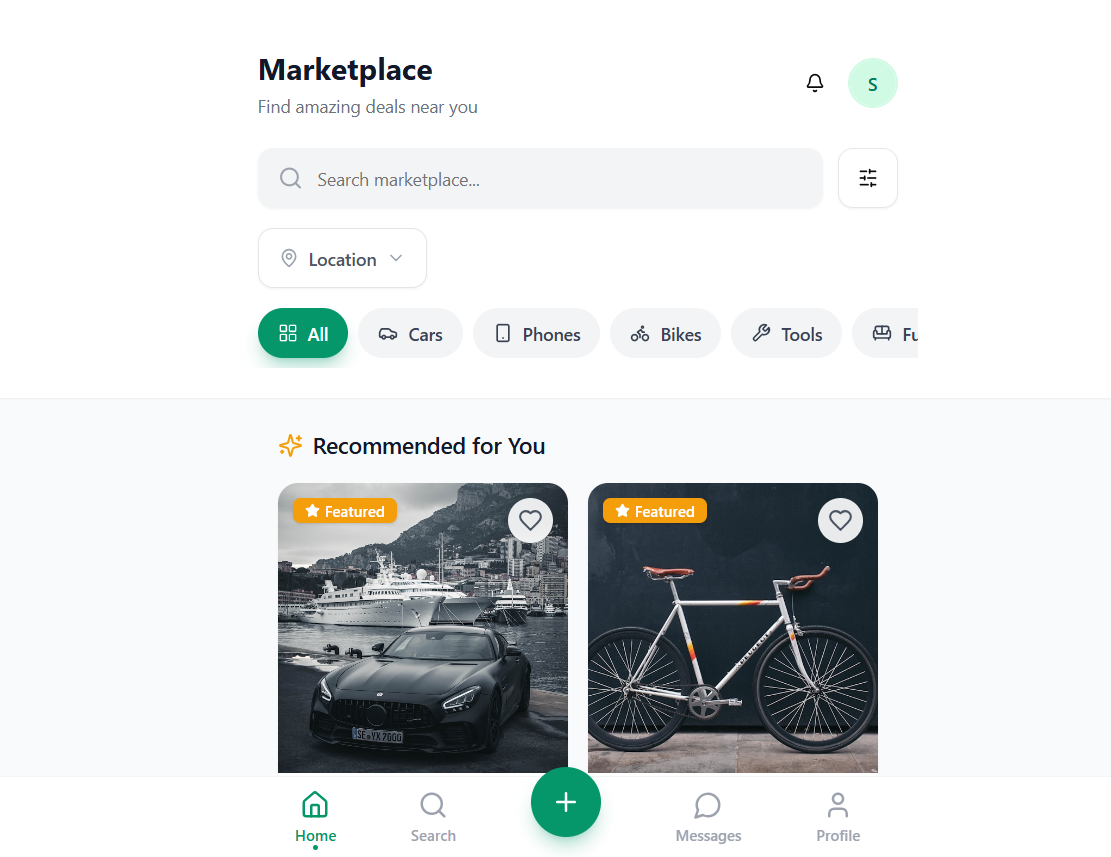
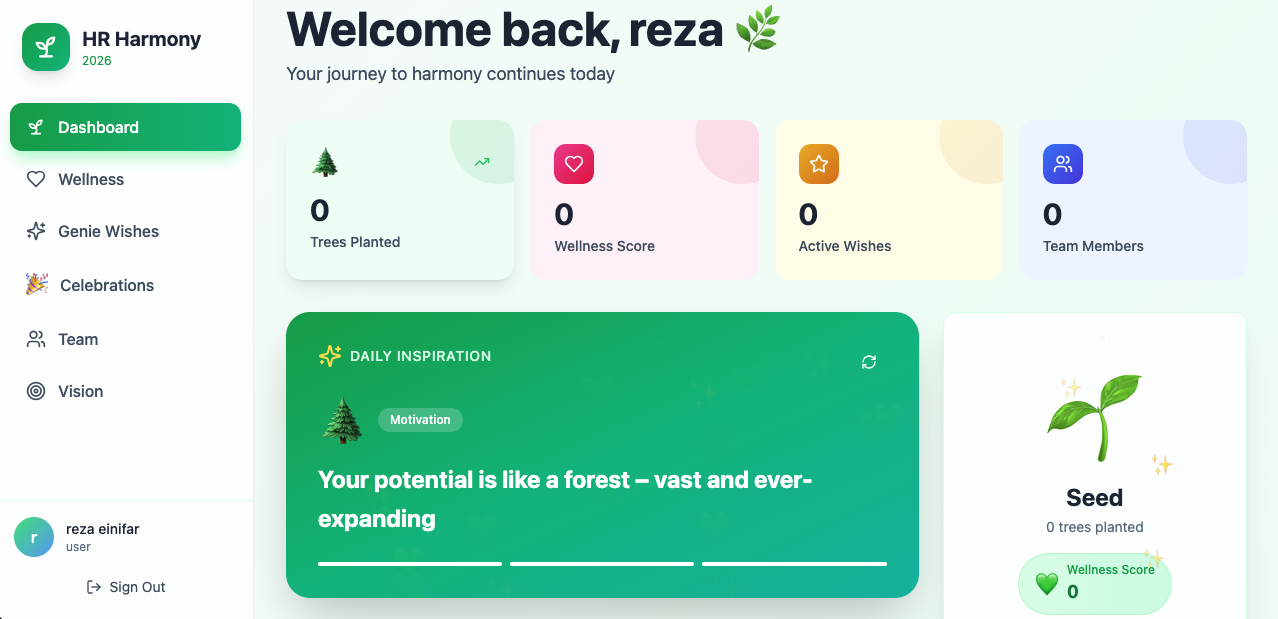
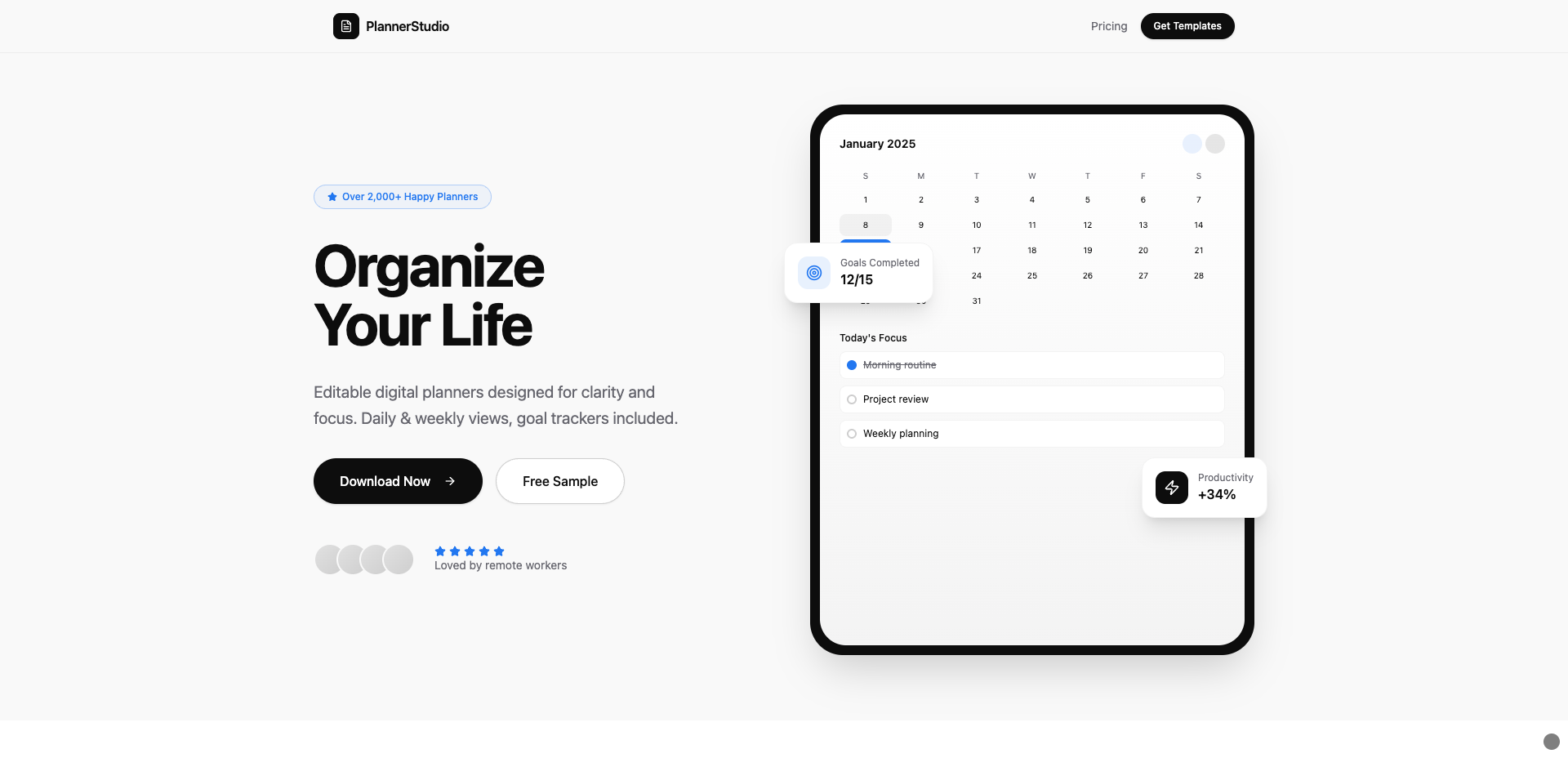
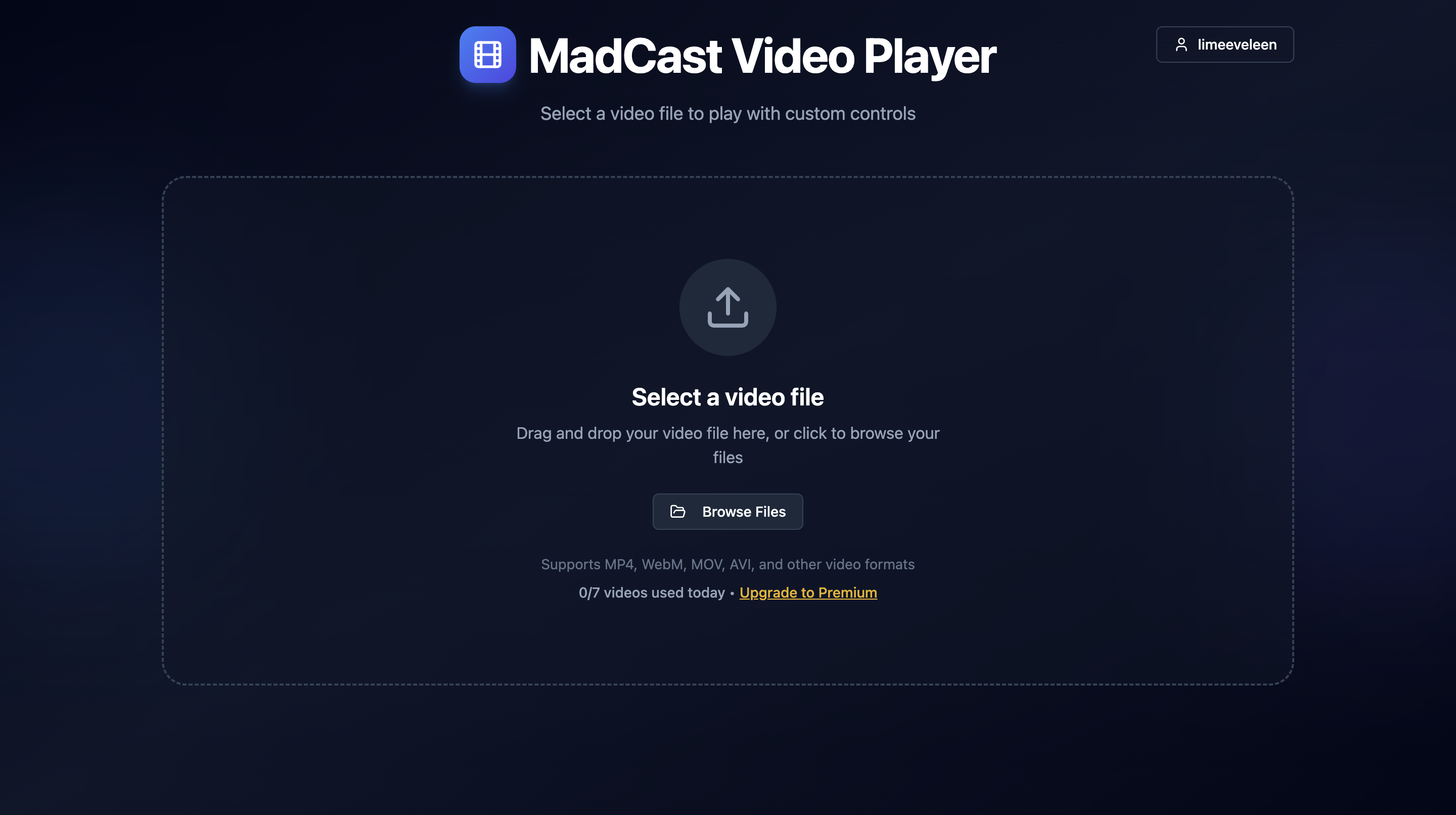
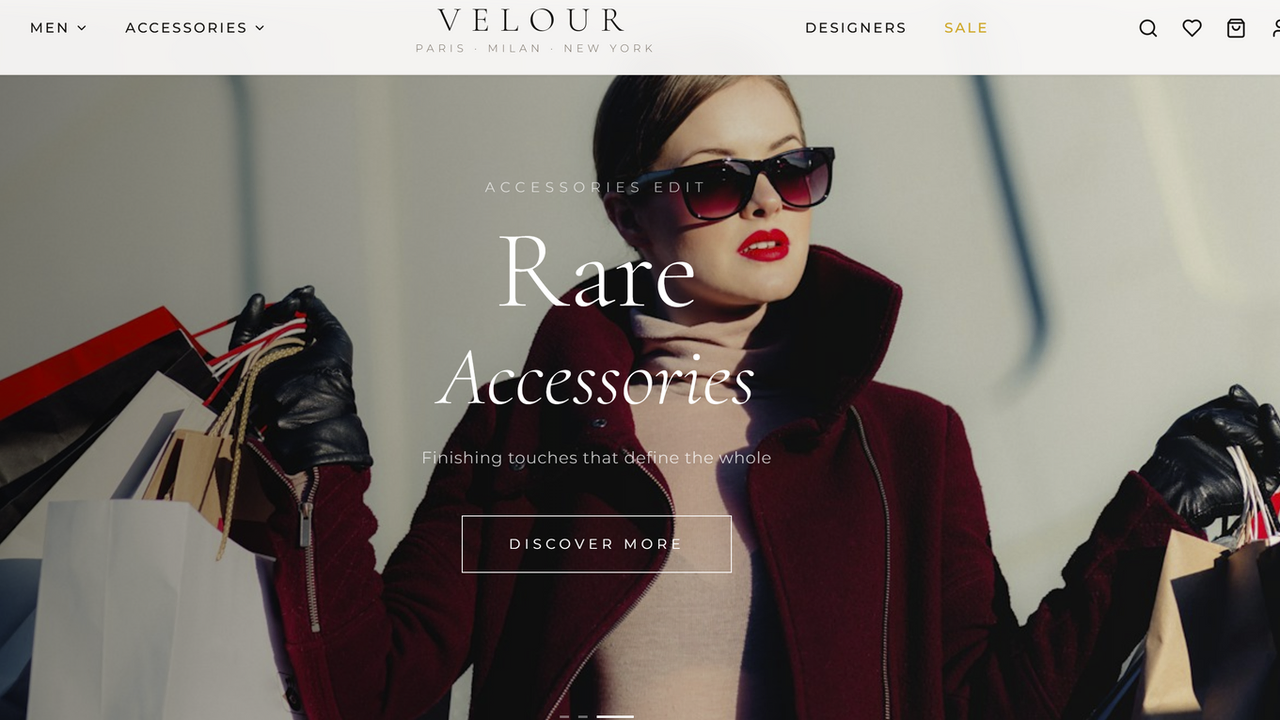
FreeYour go-to app for buying and selling locally with zero hassle. Find great deals on cars, phones, furniture, and more, right in your neighborhood. Connect directly with sellers and buyers for a smooth, secure experience. LocalTradr is a local marketplace application with a comprehensive set of features designed for buying and selling goods, user interaction, and administrative oversight. Here's a breakdown of its features, functions, and use cases: 1. Core Marketplace Features: Listing Creation & Management: Users can post new listings with titles, categories, prices, conditions, brands, colors, sizes, descriptions, photos, and video URLs. Listings can be edited, marked as sold or reserved, or deleted by the owner. Listings automatically track views, saves, and inquiries. Use Case: Selling a used bike, posting a new electronic gadget for sale. Listing Details View: Detailed listing pages display all information, including seller details, location, creation date, and views. Use Case: Buyers browsing a specific product to learn more before purchasing. 2. User Management & Profile: User Profiles: Users have profiles showing their full name, location, bio, join date, and average rating. Users can upload and update their avatar. Use Case: Users showcasing their selling history, buyers checking seller credibility. Profile Editing: Users can edit their location, phone number, and bio. Use Case: Keeping contact information and personal details up-to-date. Saved Items: Users can save listings to their profile. Users can organize saved items into collections and manage price alerts. Use Case: Saving interesting items for later consideration, tracking price drops on desired products. User Authentication: Login and logout functionalities are supported. Use Case: Securing user accounts and personal data. Seller Profiles: Dedicated pages to view a seller's information and all their active listings. Use Case: Buyers researching a seller or browsing other items from the same vendor. 3. Communication: Chat System: Users can initiate chats with sellers directly from listing pages. Supports text messages, image sharing, and voice messages. Includes read receipts to indicate message delivery and viewing. Use Case: Buyers asking questions about a listing, negotiating prices, coordinating meetups. Notifications: Users receive various notifications (new messages, price drops, new listings, review received, listing sold, listing featured). Notifications can be marked as read individually or all at once. Users can manage notification settings (e.g., push and email notifications). Use Case: Staying updated on app activity, receiving alerts about items of interest. 4. Search & Discovery: Advanced Search & Filtering: Search listings by keywords. Filter by category, price range, condition (new, like new, good, fair, parts), brand, and color. Sort search results (e.g., by date, price). Use Case: Finding specific items quickly, narrowing down broad searches. Recommended Listings: The home page displays recommended listings based on user preferences and browsing history (favorite categories, brands, viewed listings). Use Case: Discovering new items relevant to user interests. Category Browsing: Quick access to listings by category via category pills. Use Case: Exploring items within a specific product type (e.g., "electronics," "cars"). 5. Admin & Moderation: Admin Panel: Administrators have access to a dedicated panel for managing reports, listings, and users. Use Case: Ensuring platform safety and content quality. Reporting System: Users can report listings or other users for various reasons (spam, scam, inappropriate, etc.). Admins can review, resolve, or dismiss these reports. Use Case: Community self-moderation, maintaining a safe marketplace environment. User & Listing Management: Admins can delete listings, ban/unban users. Use Case: Enforcing terms of service, removing problematic content or users. 6. Monetization/Engagement: Listing Promotion (Boost/Featured): Sellers can boost their listings to increase visibility or feature them for a specified duration. Use Case: Sellers promoting their products, increasing sales velocity. Reviews & Ratings: Buyers can leave reviews and ratings for sellers after a transaction. Seller profiles display average ratings and review counts. Use Case: Building trust and reputation among users. Price Alerts: Users can set price alerts for specific listings to be notified of price drops. Use Case: Helping buyers get the best deals on desired items. 7. Technical Stack/Platform: Base44 Platform: Built on React, Tailwind CSS, and TypeScript. Leverages Base44's backend as a service for authentication, database (entities), integrations, and backend functions. Entities: Listing , Chat , Message , Review , Notification , Report , UserPreferences , PriceAlert entities define the data structure. Integrations: Includes Core integrations for LLM invocation, email sending, file uploads (public and private), image generation, and data extraction from files. Backend Functions: Support for custom backend functions (e.g., for PDF export) for complex logic or external API integrations. Responsive Design: The application is designed to be responsive, ensuring a good user experience on both mobile and desktop devices. Real-time Updates: Chat and notifications support real-time updates for an immediate user experience. suport@ www.mellistech.com
Mellis Tech·40 clones
Community · Lifestyle & Hobbies +1